View Saved Brawl Screenshots On Your PC – BIN2JPG
by February 28, 2008 @ 12:59 pm
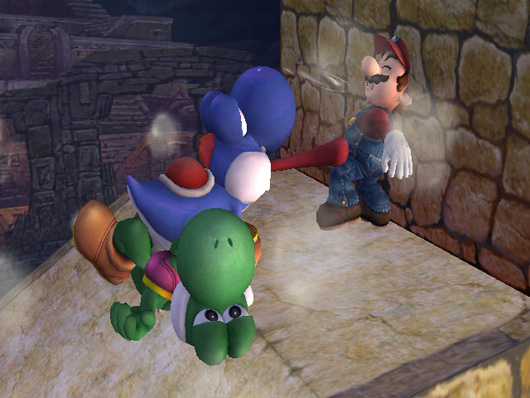
Super Smash Bros. Brawl includes a nifty feature that allows players to take a snapshot of the battlefield in the middle of a match. Thing is, the images are saved in an proprietary format and can be viewed only from within Brawl’s built-in image viewer.
Thankfully, homebrew developer GTCoder has come to the rescue. His latest creation is a freeware utility called BIN2JPG that decrypts saved Brawl screenshots and converts them into high-quality JPG compressed images viewable on PC.
To use, simply copy your Brawl screenshots in BIN format to the program’s folder and run bin2jpgall.bat to convert the files into JPG format.
SSBB Snapshot files. We need to crack em! [Smash Boards]
Follow this author on Twitter.





